

Softeria Studio · AI solution builder
Describe it once. Get what sits behind it as well.
Studio builds the screens and everything under them — the data model, a documented API, row-level security, company sign-in, hosting. In ordinary code, in your repository, that your own team can read and change.

- Order
- One sentence
- Plain language in, a running application out
- Stack
- Yours
- React, Next.js, Vue, Flutter, React Native and more
- Backend
- Included
- Data, logins and APIs from the first minute
- Delivery
- One click
- No pipelines, no containers, no deployment scripts
What it looks like while it works.
In the product
Softeria Studio as it is, on made-up data: the request typed into the start page, and the builder with the finished app open beside the conversation.
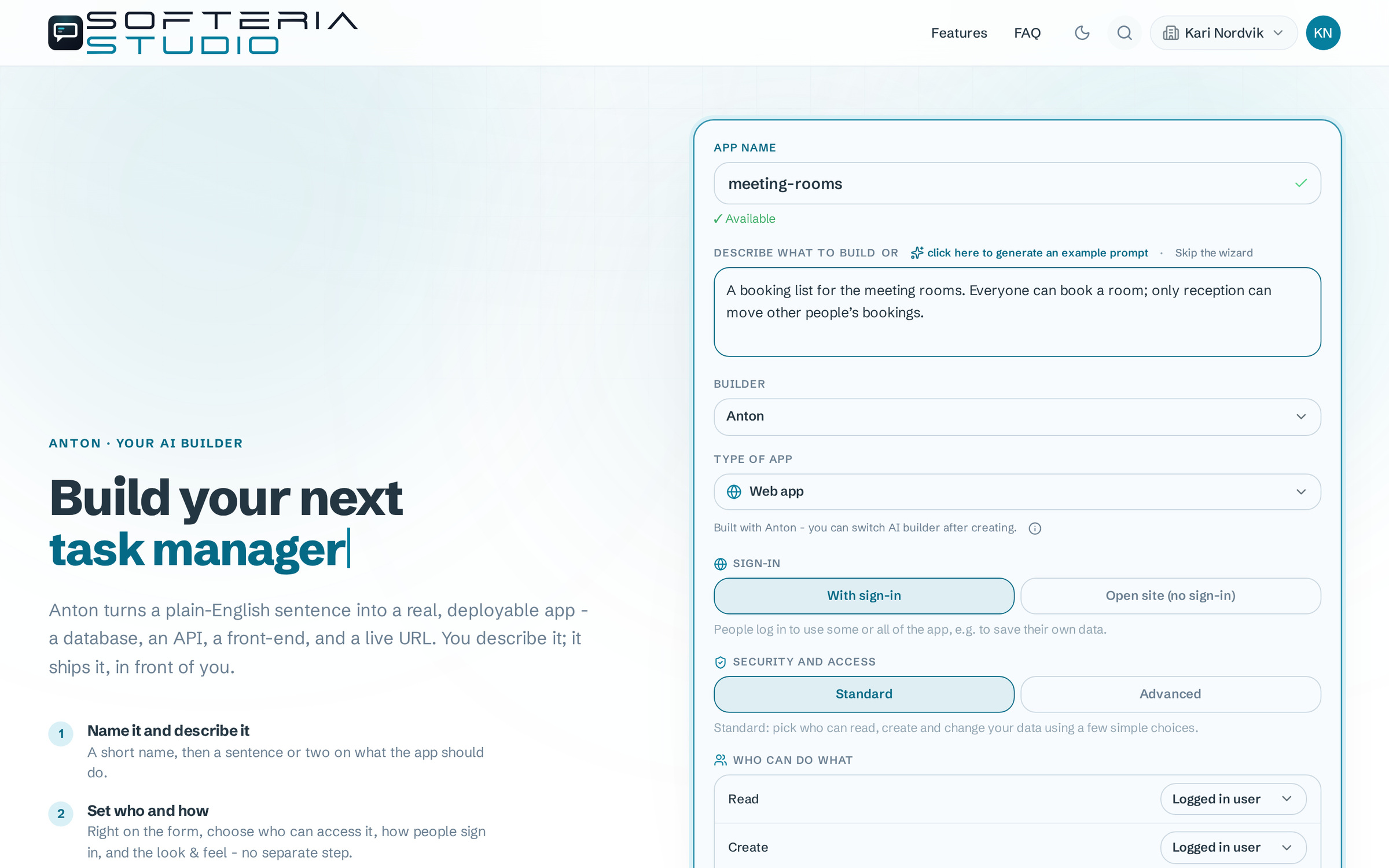
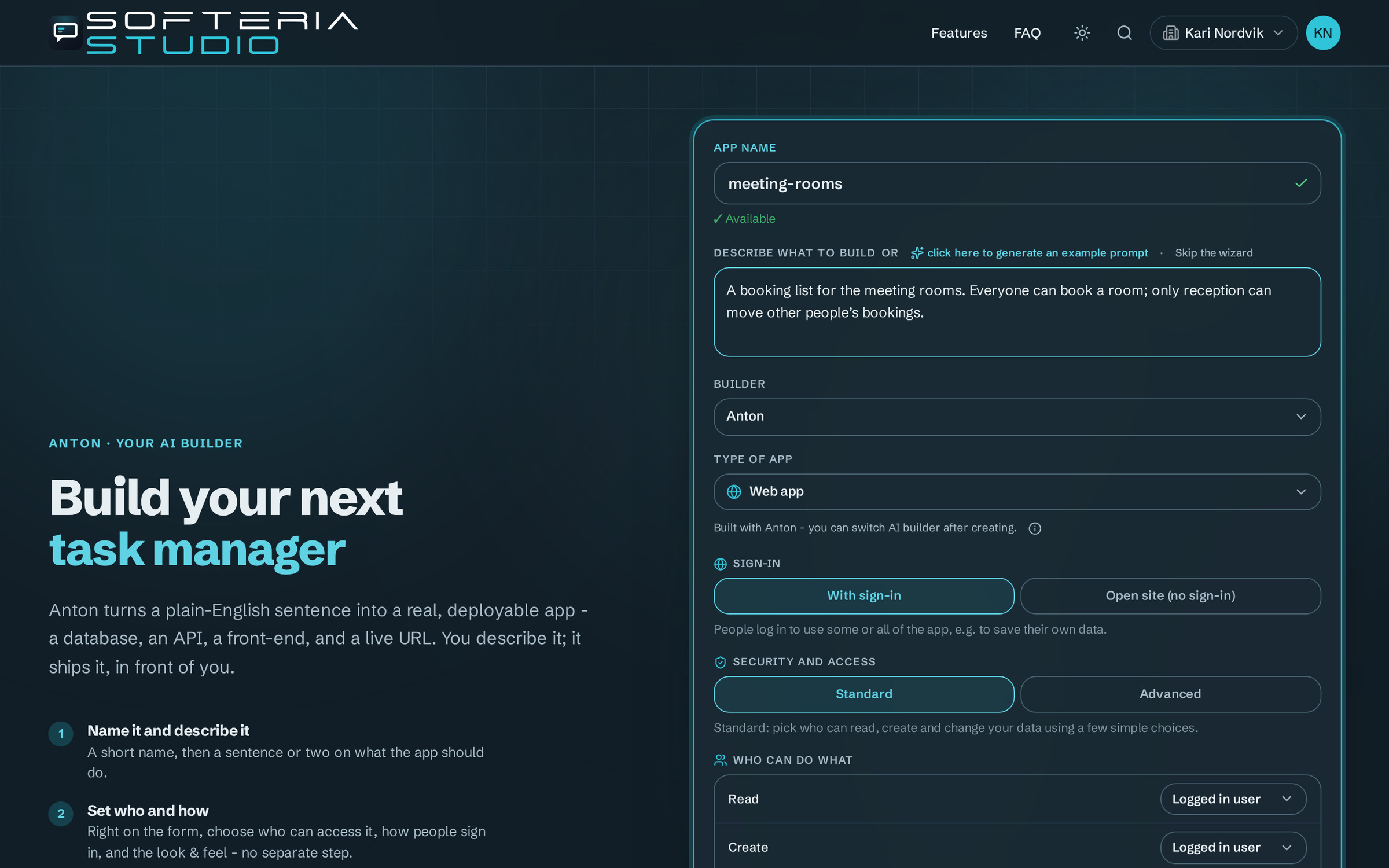
Describe it
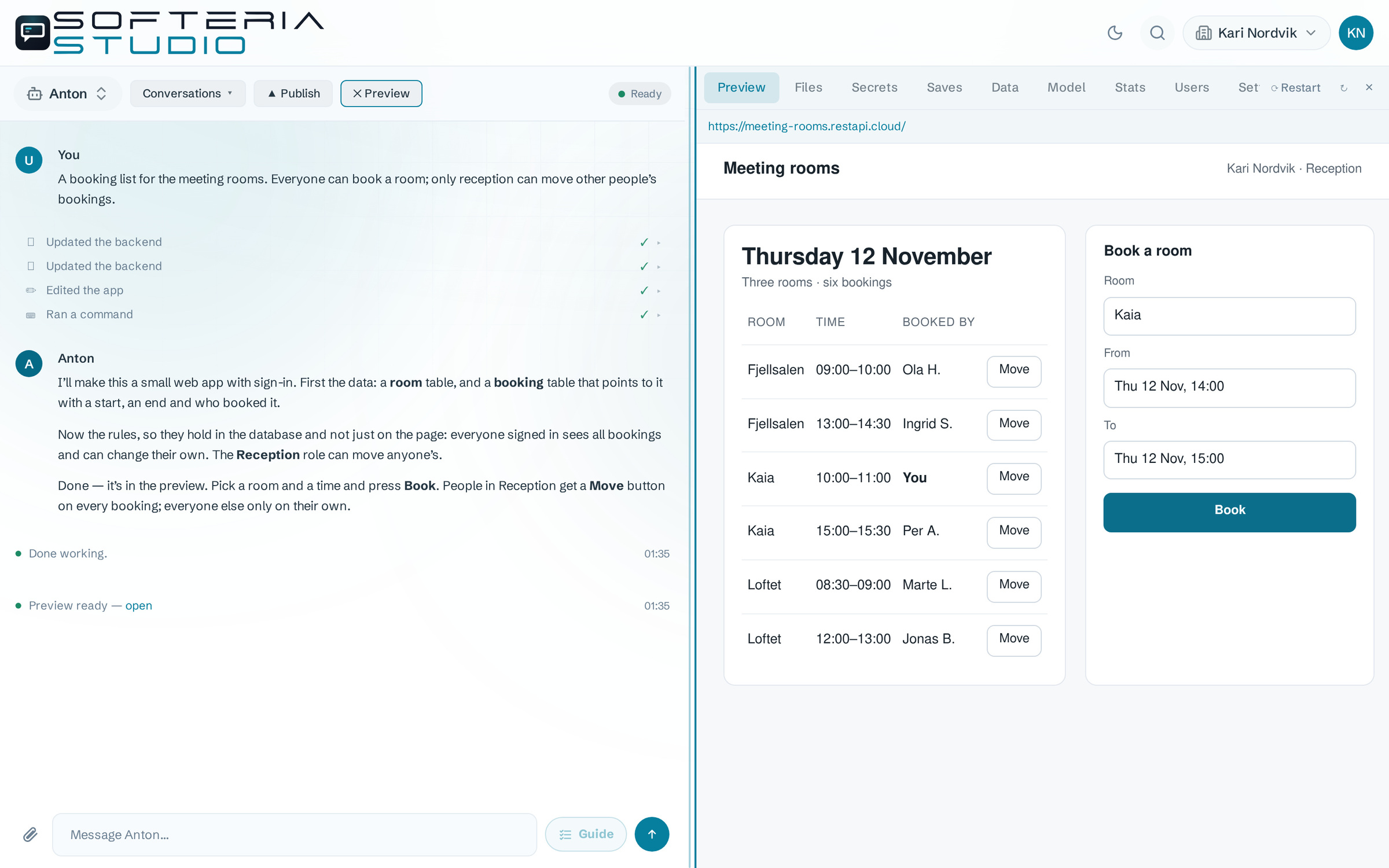
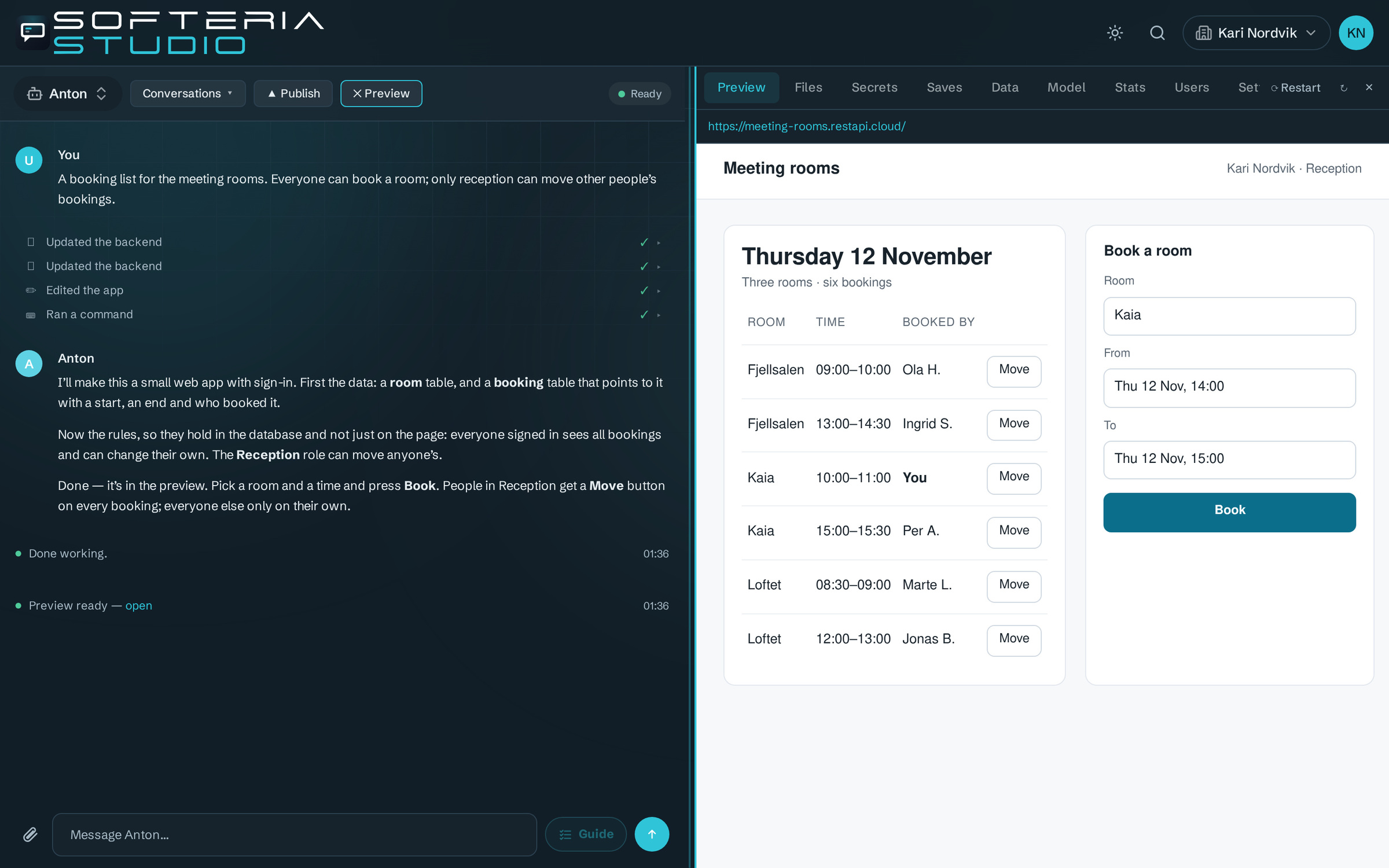
Watch it being built
One sentence in. Five things out.
What comes back
A worked example: “A booking tool for our meeting rooms. Staff sign in with their work account, book a room for a slot, and see their own bookings. Facilities can see everything and cancel.” No specification document, no schema diagram, no ticket.
- Screens, in your frameworkReal components in real code, not a mockup
- A data model designed properlyCollections, fields and relations, worked out first
- A documented REST APIEvery collection published and typed for the frontend
- Logins and permissionsAccounts, roles, and who may see which records
- Hosting and a live URLDeployed and reachable, not waiting on an ops ticket
The screens are the part you can see. They are not the part that takes the month.
Where the month goes
Ask any team what actually consumed the quarter and none of them will say the buttons. It went on the data model that had to be redone, the permissions nobody specified, the login integration, the deployment, and the week spent making the documentation agree with the code.
Studio does that work first, and shows you it doing it. That is the whole difference between a tool that produces a demonstration and one that produces something you can put in front of the people who have to use it.
Six things that make it a product rather than a screenshot.
Specification
- 01
Plain language in
Describe what the thing needs to do. Studio reads the intent, the code that already exists and the shape of your data before it commits to anything.
- 02
Any framework
React, Next.js, Vue, Flutter, React Native and more. Studio adapts to the stack your team already knows, rather than asking the team to adapt to it.
- 03
The backend is not extra
Database, authentication, storage and APIs come from one platform, already connected. There is nothing to stitch together from three other vendors.
- 04
No database homework
The collections, fields and relations your app needs are designed for you — the step most tools skip, and the one that decides whether it survives its second month.
- 05
Secure from the first version
Encryption, sign-in, role-based access and audit logs are part of what gets built on day one, not a hardening project scheduled for after launch.
- 06
Deployed, not “deployable”
One click and the application is live on managed hosting, with backups running. Shipping stops being a separate project with its own timeline.
No black box between you and what runs.
What you take away
Speed is only worth having if you can still see inside the thing afterwards. What Studio produces is ordinary code and an ordinary database — both of which you can read, change, hand to another developer, or take with you.
- Real code in your own repository, readable by your teamYes
- Every change shown and reviewable before it landsYes
- Full export of your data and database structure, on demandYes
- Standard frameworks — no proprietary runtime to learnYes
- Support answered by the team that builds the platformYes
For companies: let them build, somewhere you can see.
Studio for Business
Studio for Business is Studio set up for your company: your sign-in, your branding, your rules about who may do what, and a written record of all of it. It is quoted per organisation. Your teams already build their own tools, usually on something nobody approved — not because people are reckless, but because they were waiting, and forbidding it has never worked while the alternative was slower.
Where the work goes today
- The spreadsheet that quietly runs a department
- A tool somebody’s nephew wrote, on their own account
- A subscription nobody can cancel, because a process depends on it
- Data in three places, and no list of which three
Where it goes instead
- One sanctioned place to build, under your company’s rules
- Your own sign-in and the groups you already maintain
- Permissions enforced at the data, not on the screen
- A record of who built what, changed what and read what
- Hosting, deployment and backups run for you
- Everything exportable, the day you ask
You decide who may do what. Before anybody has to ask.
For Business · Who may do what
Written against the groups you already maintain in Microsoft Entra or Google Cloud Identity — so there is no second list of people to keep in step with the first.
| Group | Build apps | Reach live data | Publish company-wide | Administer Studio |
|---|---|---|---|---|
| Everyone | Not allowed | Not allowed | Not allowed | Not allowed |
| Builders | Allowed | Limited | Not allowed | Not allowed |
| Team leads | Allowed | Allowed | Limited | Not allowed |
| IT administrators | Allowed | Allowed | Allowed | Allowed |
An example set. Yours are whatever you say they are. Change somebody’s group in your directory and their access here changes with it — including on the day they leave. There is no separate list to remember, which is the list that always ends up wrong.
Three things that make it governable.
For Business · On the record
Connected where the data lives
Studio connects to data sources on your own premises, so data that has to stay there never leaves it.
Enforced at the data
Permissions are applied where the records live, so an application cannot accidentally hand somebody a row they were never allowed to see.
Written down
Who built what, who changed it and who reached which data is recorded. The answer is ready before the audit gets round to asking the question.
The control centre IT works in.
For Business · In the product
Softeria Studio for Business as it is, on a made-up company: every app, every person, a week of traffic, and the access review.


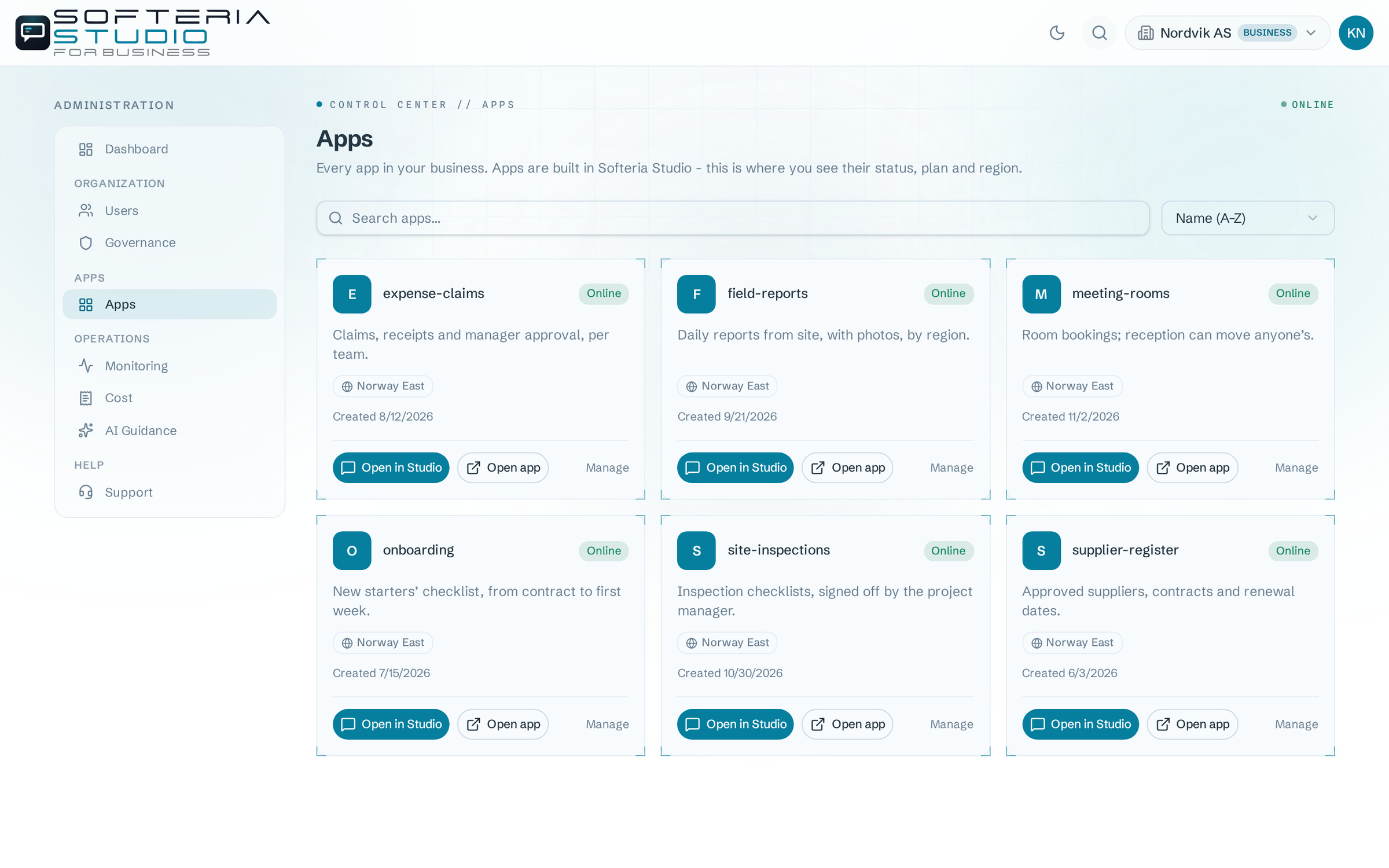
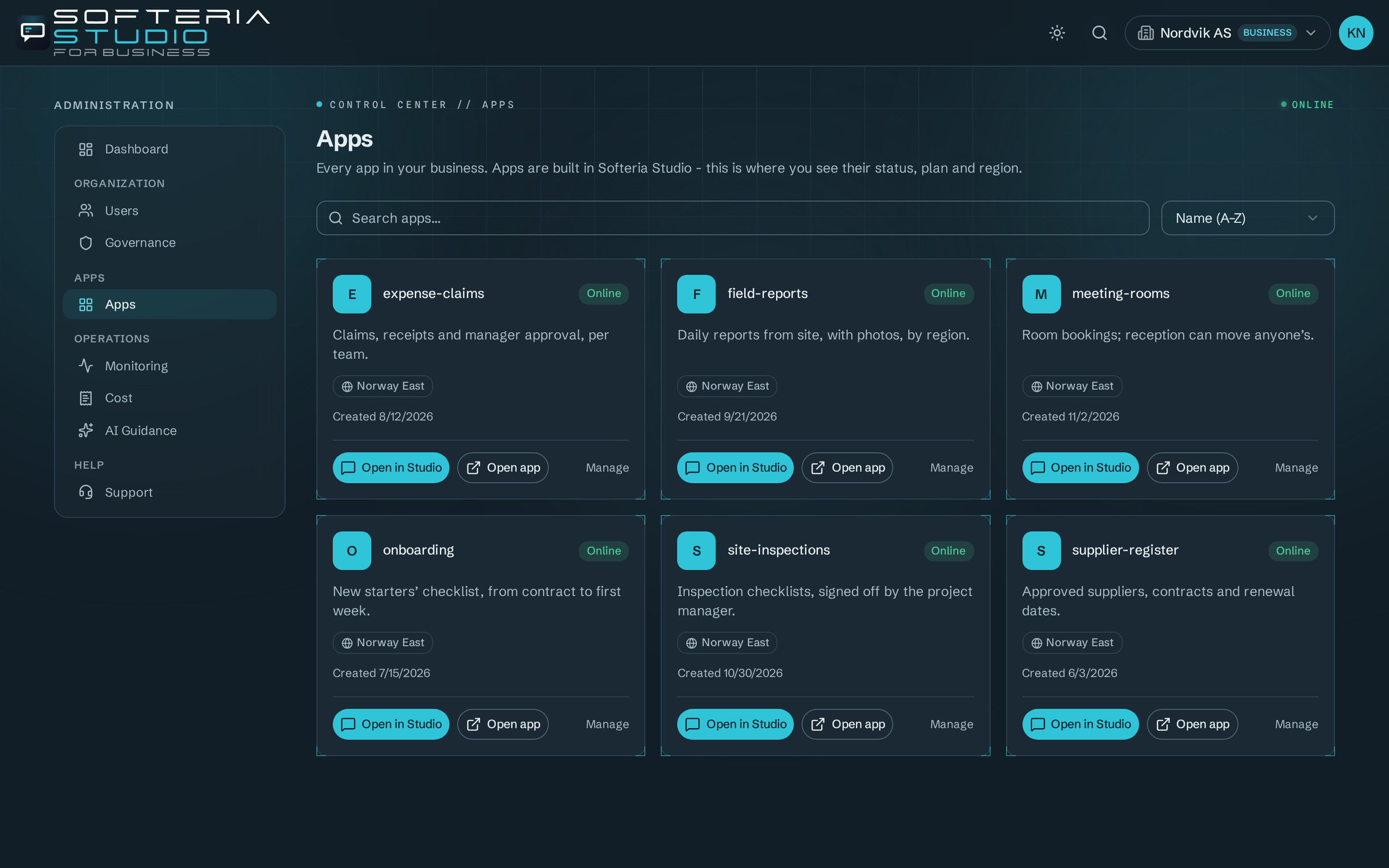
Every app
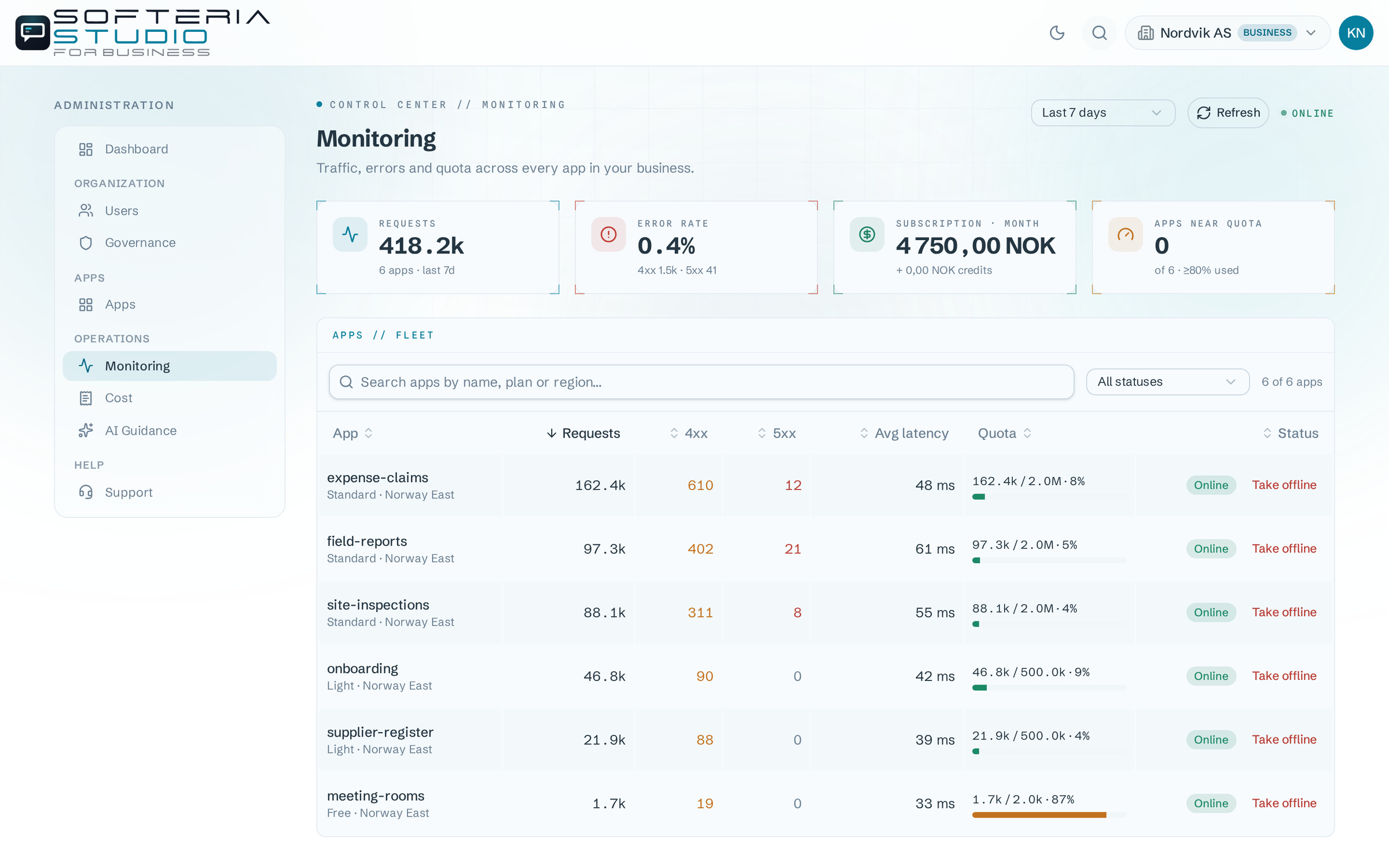
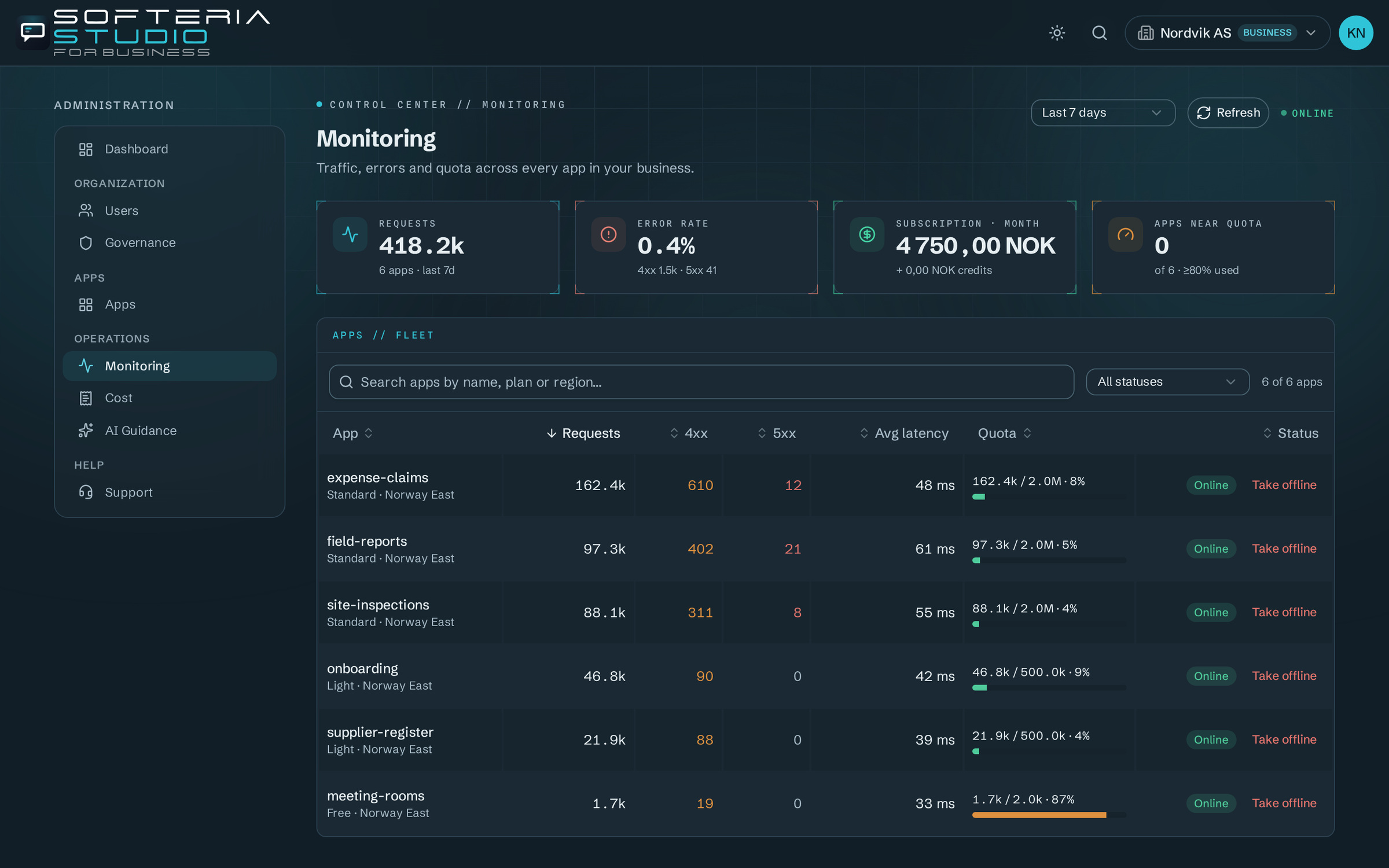
A week of traffic
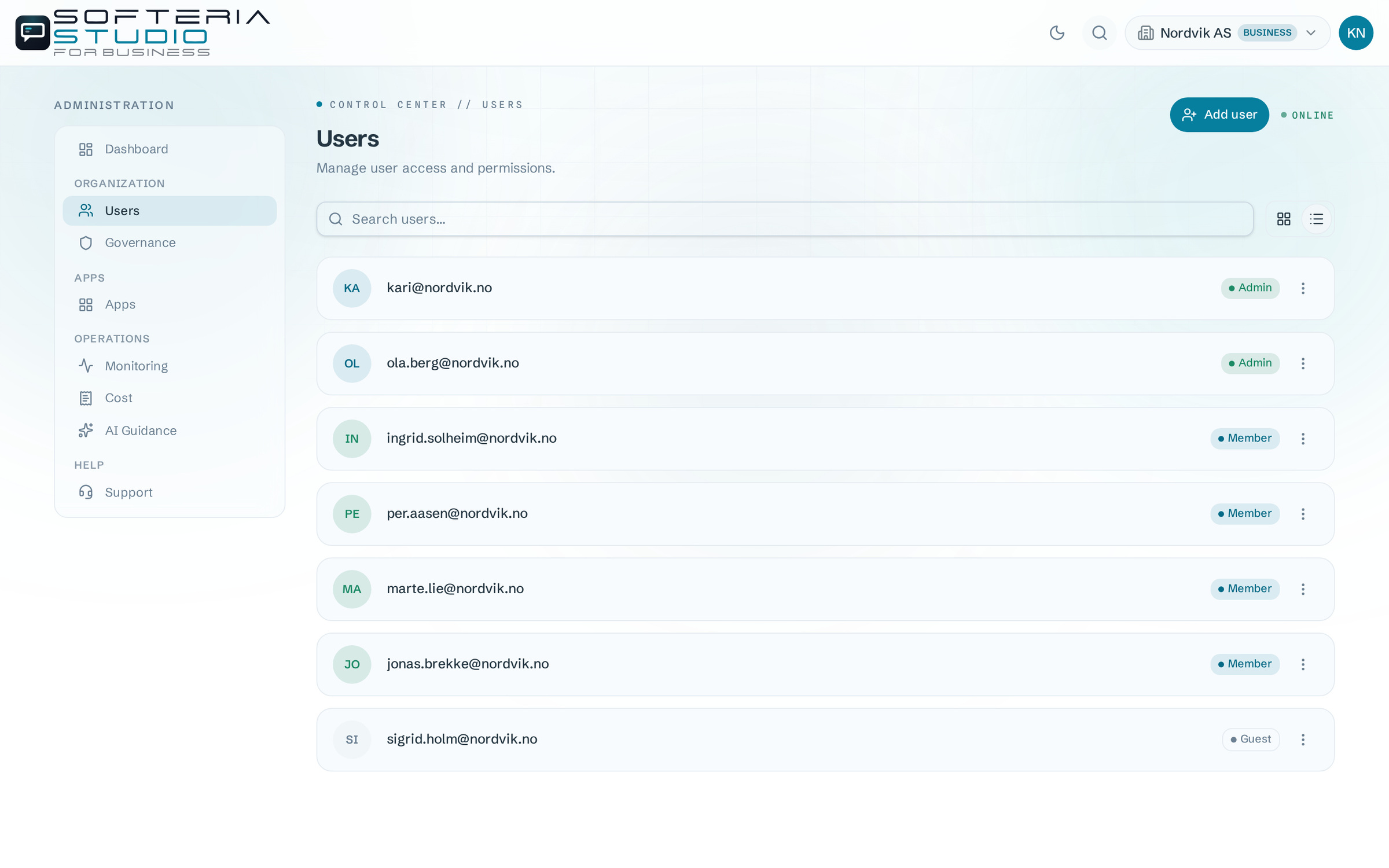
Every person
Where to go from here.
The rest of it